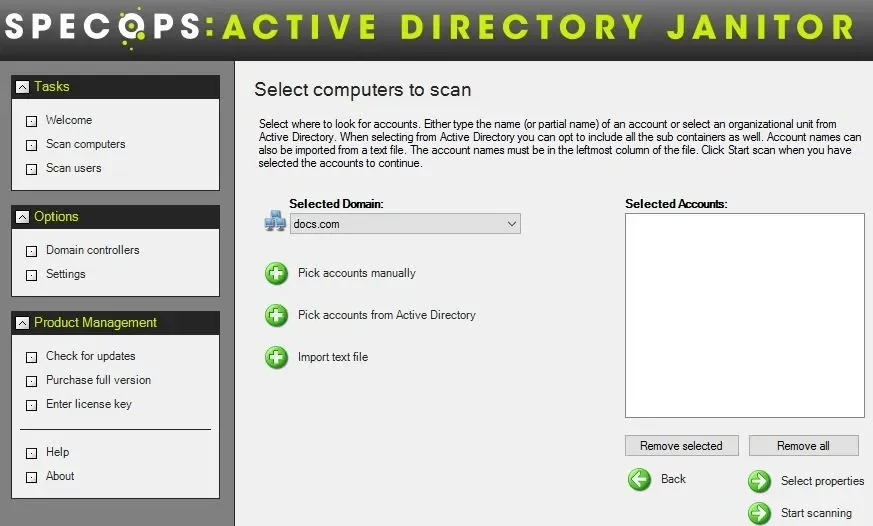



Selecting computers
This image illustrates how you can select which computers that are about to be
scanned. The computers can be selected by typing a partial computername, by
browsing and selected parts of Active Directory or by importing computer names
from a text file. Click the image to view a larger version.
|
Scanning computers
This is what the result looks like when the computers have been scanned. The
data columns that are displayed can be configured. There are about 15 different
properties to scan, such as last logon time, ping response, IP-address and so
on. Computers in this list can be selected and then deleted or disabled as
desired. Click the image to view a larger version.
|
Scanning Users
This is what the result looks like when you choose to scan users instead of computers.
You get to choose between up to 25 property fields inluding a security risk column. The security risk column will flag high risk user accounts to you.
Click the image to view a larger version.
|