








Password Reset Self Service software


Password Reset Self Service software - Secure solution for Active Directory
Specops Password Reset   TM

Password Reset Self Service solution

[Current version: 3.0.0.8170]
[Updated: 2008-06-19]
[Documentation wiki]

Research shows that up to 40% of all helpdesk calls can be related to password reset issues. When calculating how long a password reset operation takes, how much this costs and the volume of password reset issues one organization process in just one year, a password reset self service solution such as Specops Password Reset is a simple cost effective solution to justify to management.

Investing in Specops Password Reset as a self-service solution will be one of the most effective IT investments you can make. Please continue reading and we will give you detailed information on how this solution delivers a fast return on your investment.

With Specops Password Reset, envision the drastic reduction of help desk calls when users forget their password or have their account locked out!

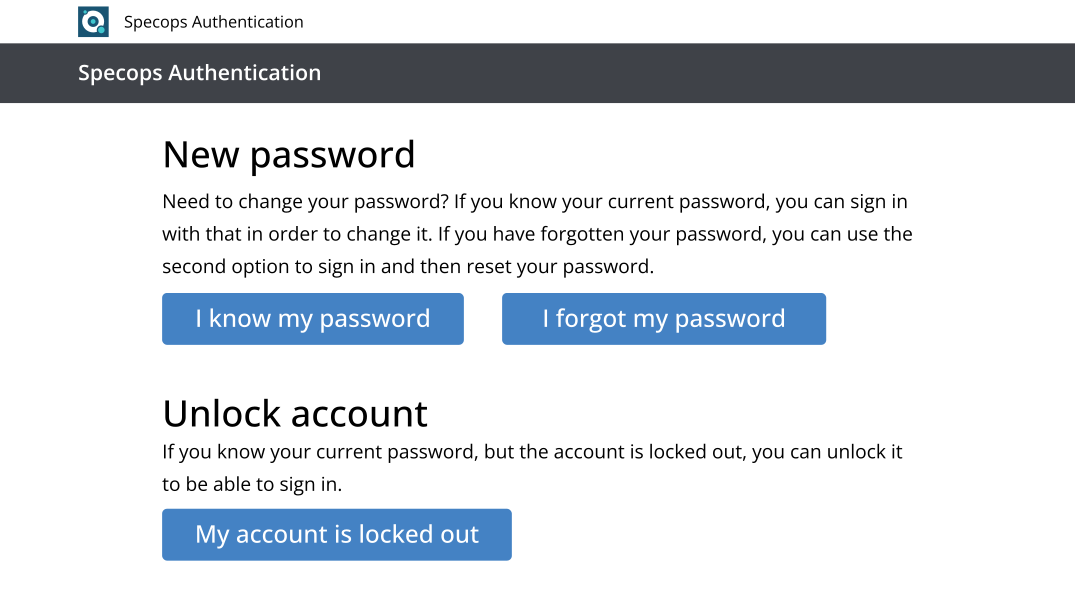
Login in screen for Specops Password Reset
Click here to download a free 20-day fully functional trial version of Specops Password Reset

Click here and tell us who you are and when you would like a personal WebEx-demo of Specops Password Reset. Please allocate about 20 minutes for a demo.
Benefits

Specops Password Reset feature Eliminates the most common reason for users to contact the help desk, i.e. forgetting their password or having their account locked out
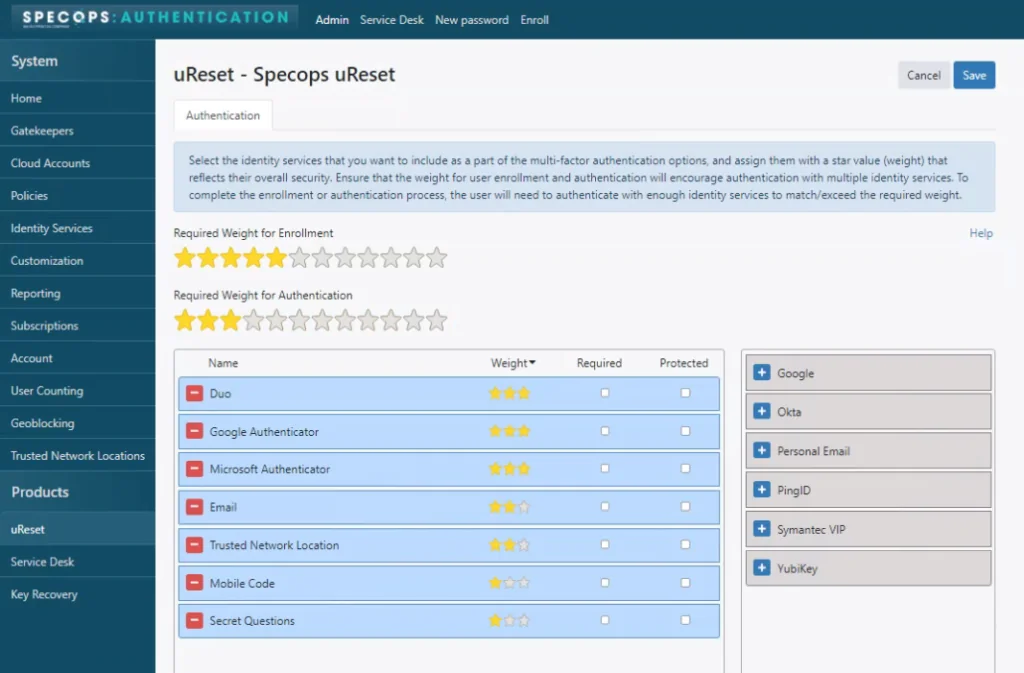
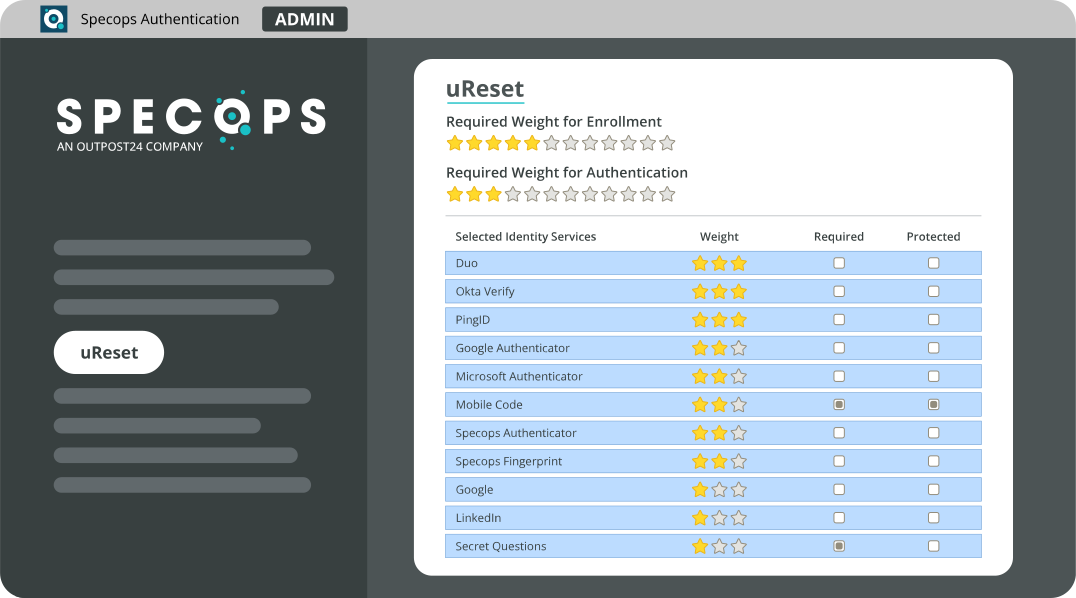
Specops Password Reset feature Makes the password reset/account unlock process more secure through a combination of secret questions and/or sending a one-use verification code to the user’s mobile phone
Features

Specops Password Reset feature Self service password reset - Users reset and/or unlock their own accounts in a secure process
Specops Password Reset feature Define any number of secret questions and answers
Specops Password Reset feature One-use cell phone verification codes to increase security
Specops Password Reset feature Close integration with the default domain policy, Specops Password Policy as well as Server 2008 fine-grained password policy
 
Enrollment phase

All users enroll with Specops Password Reset which defines a number of questions and unique answers that will be used to securely reset the user's password.

Specops Password Reset Enrollment phase

Specops Password Reset also includes a text message function which sends a one-time-use verification code to the user’s mobile phone. The powerful combination of answering questions and use of a verification code make our solution more secure than the competition.

Please note that the enrollment phase is not required should you choose to use only the mobile phone verification code for user authentication.
Help desk web based interface

For when it is needed, Specops Password Reset includes a graphical, easy to use, web based interface for help desk personnel to empower them to manage and reset passwords.

Shows the Helpdesk interface for Specops Password Reset

Assistance in also provided in this interface to assist with compliance to the domain password policy or the fine-grained password policy.

The password change web interface used is identical for end users and help desk personnel. It provides real time assistance when changing passwords to make it simple to comply with the organization's password policy.
Reset Password self service

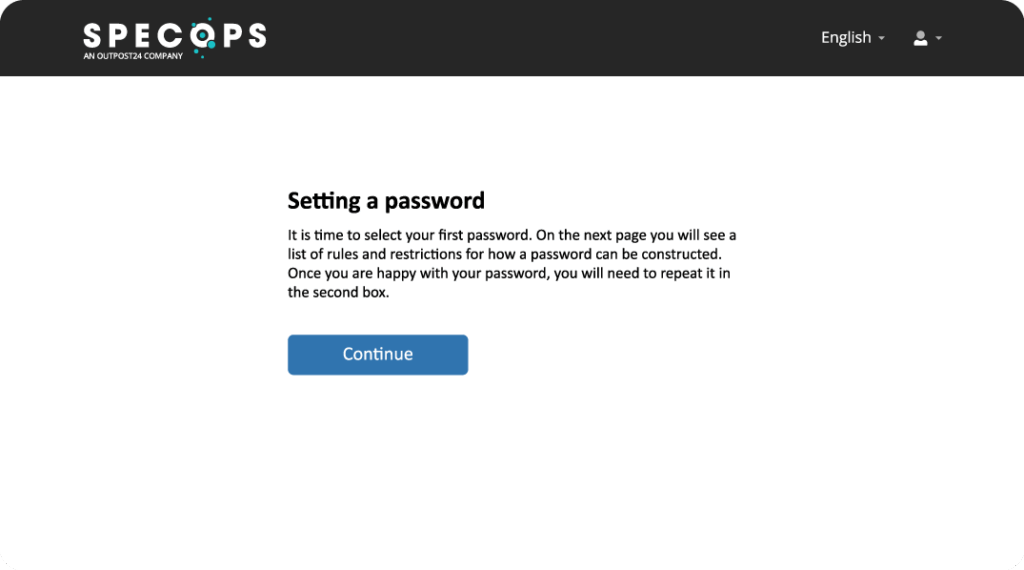
End users receive a new "Reset Password" self service option at log on. Following this link opens a secure browser to answer your pre-defined questions, as well as entering your one-time verification code sent to your mobile phone (if implemented).

The entire reset password process is fast, secure, reliable and of course “self service”

Shows the login page of Specops Password Reset on Vista

For further evaluation of Specops Password Reset, please review our technical documentation, download a trial version or attend a online demonstration.