








Password Reset Self Service tool

Demo » Download » Quote »

Specops Password Reset is a self service password reset solution that delivers the fastest ROI in the industry. It allows end users to reset and/or unlock their own Active Directory accounts securely and greatly reduces the number of calls and emails into your help desk. It was awarded with Best of TechEd 2009 in the Security category and finalist in the same category 2010.

Specops Password Reset

Learn more about Specops Password Reset

Password reset self service - Quick ROI

Investing in Specops Password Reset as a self-service solution will be one of the most effective IT investments you can make. Research shows that up to 40% of all helpdesk calls can be related to password reset issues. When calculating how long a password reset operation takes, how much this costs and the volume of password reset issues one organization processes in just one year, a password reset self service solution such as Specops Password Reset is a simple cost effective solution to justify to management.

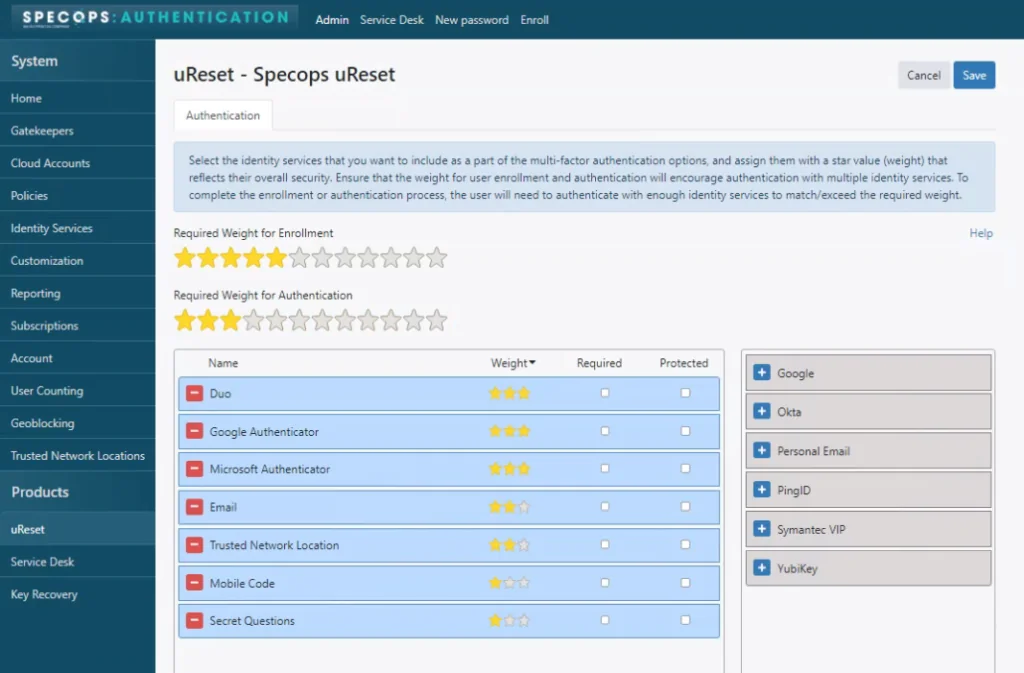
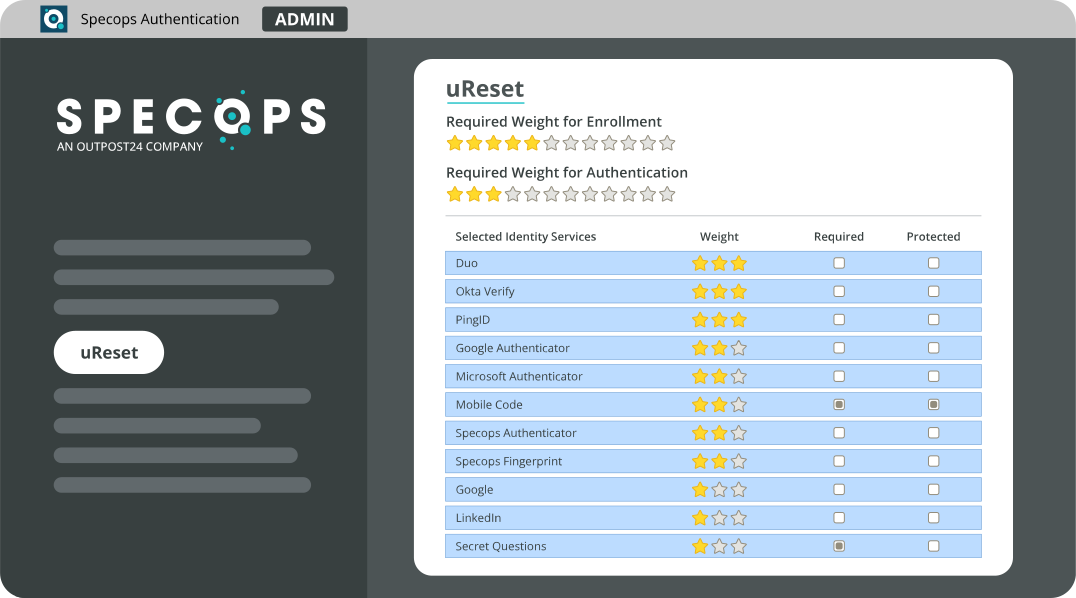
This product eliminates the most common reason for users to contact the help desk, i.e. forgetting their password or having their account locked out. It also makes the password reset/account unlock process more secure through a combination of secret questions and/or sending a one-use verification code to the user’s mobile phone. 

Ease to use for all involved 

All users enroll with Specops Password Reset which defines a number of questions and unique answers that will be used to securely reset the user's password.

Specops Password Reset also includes a text message function which sends a one-time-use verification code to the user’s mobile phone. The powerful combination of answering questions and use of a verification code make our solution more secure than the competition.

Please note that the enrollment phase is not required should you choose to use only the mobile phone verification code for user authentication.

For when it is needed, Specops Password Reset includes a graphical, easy to use, web based interface for help desk personnel to empower them to manage and reset passwords.

Assistance in also provided in this interface to assist with compliance to the domain password policy or the fine-grained password policy.

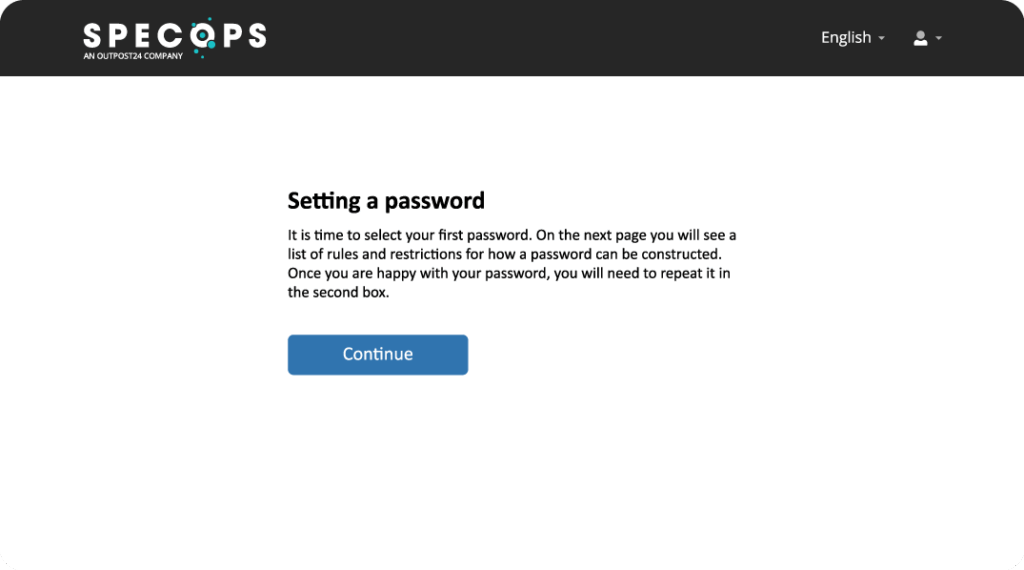
The password change web interface used is identical for end users and help desk personnel. It provides real time assistance when changing passwords to make it simple to comply with the organization's password policy. Reset Password self service

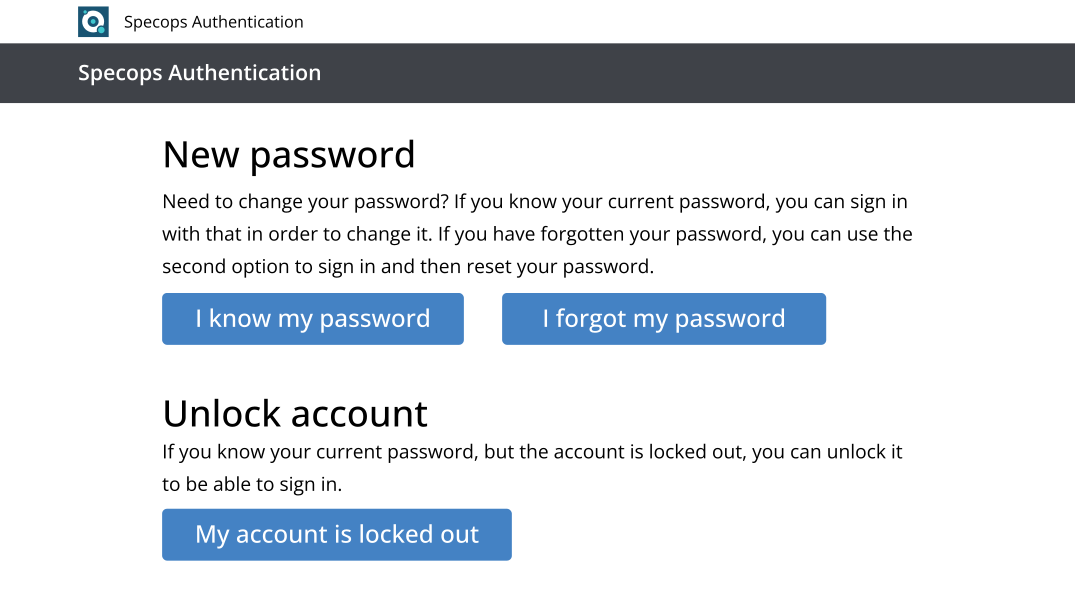
End users receive a new "Reset Password" self service option at log on. Following this link opens a secure browser to answer your pre-defined questions, as well as entering your one-time verification code sent to your mobile phone (if implemented).

The entire reset password process is fast, secure, reliable and of course “self service”

[Current version: 4.0.10124.28883]
[Updated: 2010-05-05]

  • Self service password reset - Users reset and/or unlock their own accounts in a secure process
  • Define any number of secret questions and answers
  • One-use cell phone verification codes to increase security
  • Close integration with the default domain policy, Specops Password Policy as well as Server 2008 fine-grained password policy
  • Flexible number of questions.
  • Mandatory, predefined or user defined questions.
  • Integration with cell phones.
  • Multiple language support.
  • Enable helpdesk staff to verify that callers are actually the Active Directory users.
  • Customizable user GUI - add your logo etc.
  • A reporting web page that can be used to see enrollment, reset and license statistics in the system.
  • Option in the configuration to send email notifications when certain events takes place in the system. The events implemented are password reset by user, password reset by helpdesk, user enrollment, user locked out from SPR, account unlocked by user and enrollment reminders.
  • An option in the configuration allows for users to update their mobile number, in Active Directory, during the enrollment process. There’s also an option that requires validation of the entered mobile number by sending a verification code to it.
  • A custom message can be showed for the end-user when the user has completed an enrollment, a password reset or a password change.
  • Re-enrollment can be forced either through the Helpdesk for a single user or through the Group Policy Object for all users affected by the GPO.
  • When a password is reset through Helpdesk, the option “User must change password at next logon” can be set.
  • The “initials” attribute is displayed in the Helpdesk search result page to make it easier to distinguish users.
  • In Windows Vista or Windows 7 the “Reset password…” link is shown when a computer is locked.

Benefits

Related

Take it from us, we know our products